New Live Titles, animated labels, and more in Clips update!
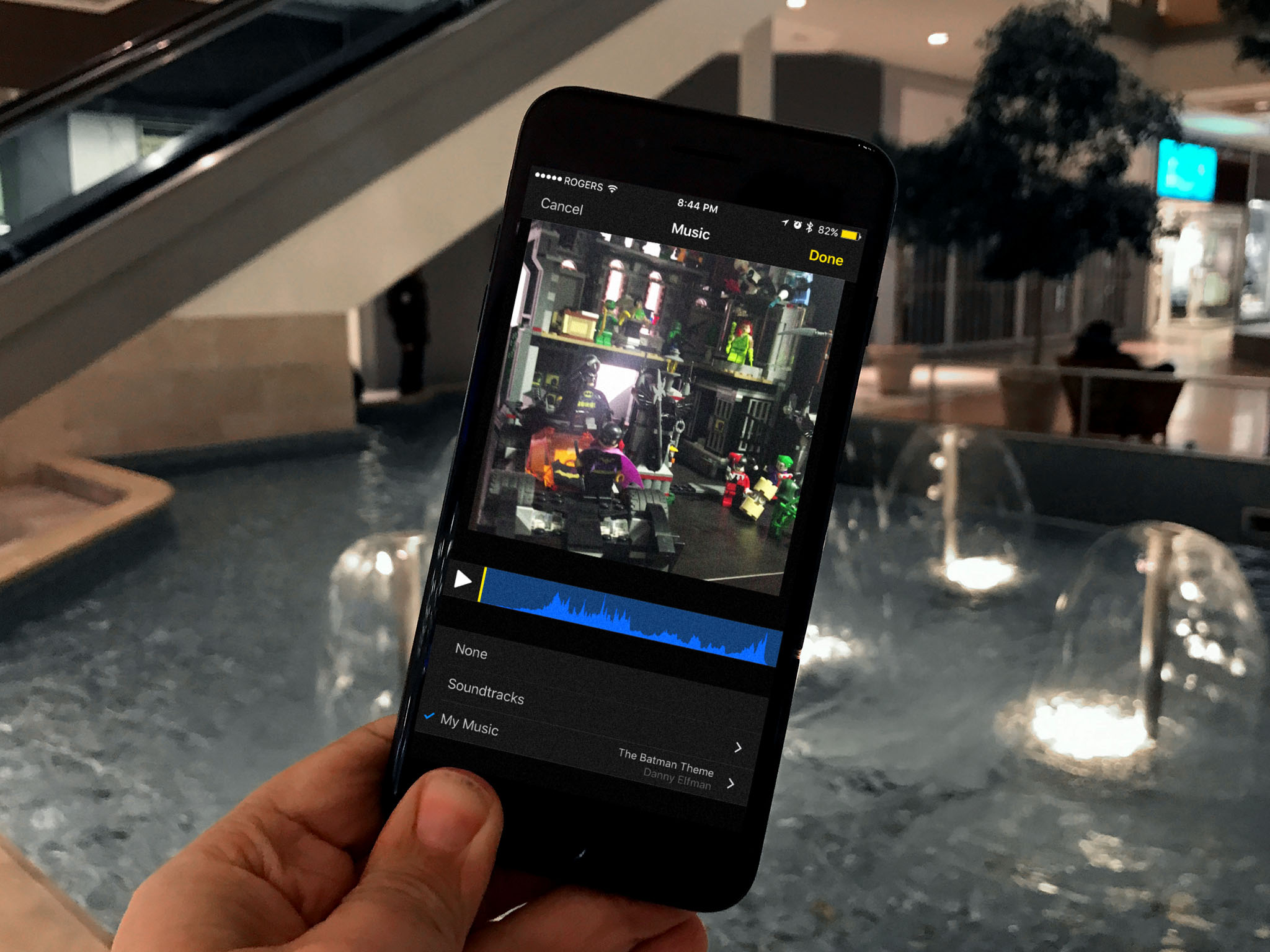
Apple rolled out a new update for the Clips app; here are all the new and shiny features!
The Clips app is meant to let you quickly and easily slap together a social video to share with your friends and networks and today it's been made even better!
What's new in Clips
Versions 2.0.3 was released today following Apple's Education Event in Chicago and it brings a healthy dose of new stuff to the app. Here's a quick breakdown of all the new updates!
- Four additional Live Title styles featuring new fonts, colors, and layouts.
- Four new animated labels with vibrant colors and editable text.
- Nine new animated stickers including hand-drawn arrows, scribbles, circles, and underlining
- Eleven new Apple-designed posters for creating animated title cards, including education-themed blackboard and notebook designs.
- Two new Selfie Scenes on iPhone X from Disney-Pixar that put you in the "Finding Dory" reef and on the Scare Floor from "Monsters, Inc."
- Drop shadows have been added to some labels to improve visibility against light backgrounds.
- Fixes an issue that could prevent photos stored in iCloud Photo Library from displaying correctly in Clips projects.
To see a full list of updates in the new version of Clips, check the App Store.
Are you excited about the new update?
Let us know in the comment below!
Clips: The ultimate guide
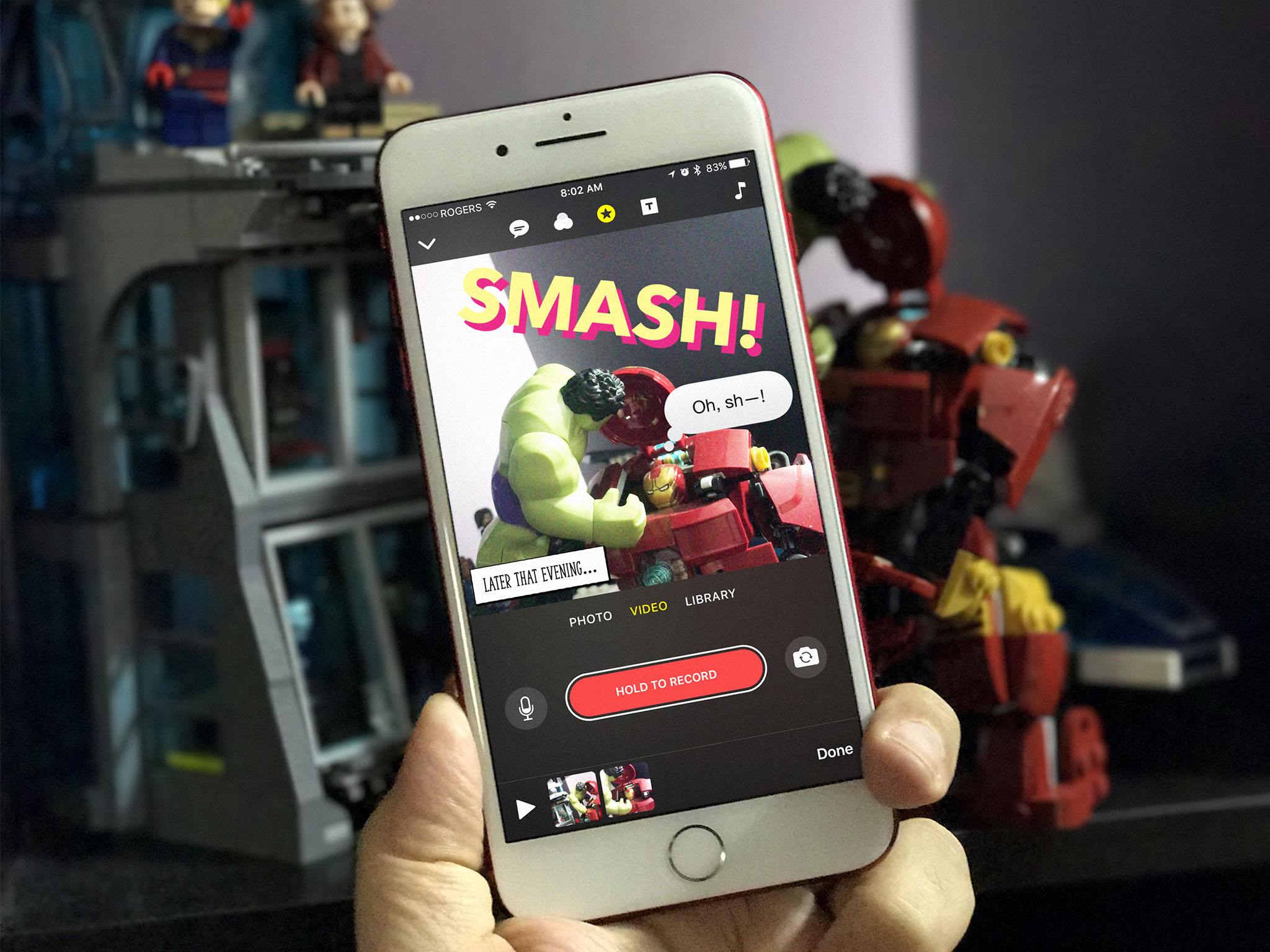
- How to take and edit video and photos
- How to record and edit Live Titles
- How to add filters and effects
- How to add and edit Title Cards
- How to add and edit overlays and emoji
- How to add soundtracks and music to the Clips app
- How to save and share videos from the Clips app
- Five tips to make your Clips extra lit
from iMore - Learn more. Be more. http://bit.ly/2I7ICDY
Powered by IOSCUBE


No comments: